
GTmetrix

درباره سایت
آخرین مطالب
- Recent GTmetrix updates and fixes
- Compare page and Dashboard filter updates
- Moving from Legacy GTmetrix Report to the new GTmetrix Report
- Recommendation Updates – HTTP/2 changes and more
- GTmetrix interview with Website Planet
- More Waterfall Updates and Browser Upgrades
- Catena Media: An Integrated Workflow Case Study
- GTmetrix 2019 Black Friday/Cyber Monday Deal
- Compare with Analysis Options, Fullscreen for Waterfall Charts and More Updates
- How to Analyze a Waterfall Chart
امکانات وب
We’re bringing complete Analysis Options to the Compare feature in this release, as well some minor updates/fixes.
Compare with Analysis Options
We’ve added our full set of Analysis Options in the Compare feature so you can customize the report you wish to generation for comparison.
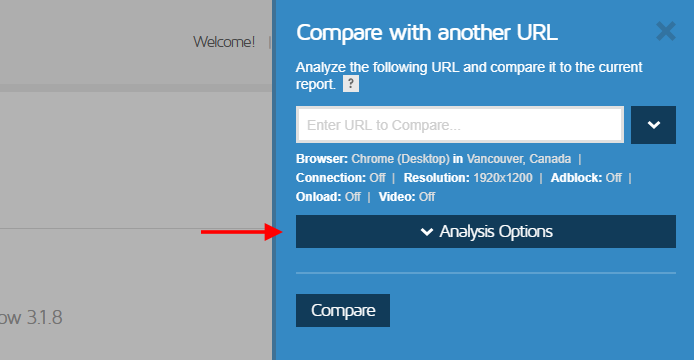
Full Analysis Options now available in our Compare feature.
Previously, the only way you could compare GTmetrix reports with Analysis Options set was to compare the GTmetrix URLs themselves.
To make this easier, you’ll have full access to the Analysis Options right from the Compare sidebar.
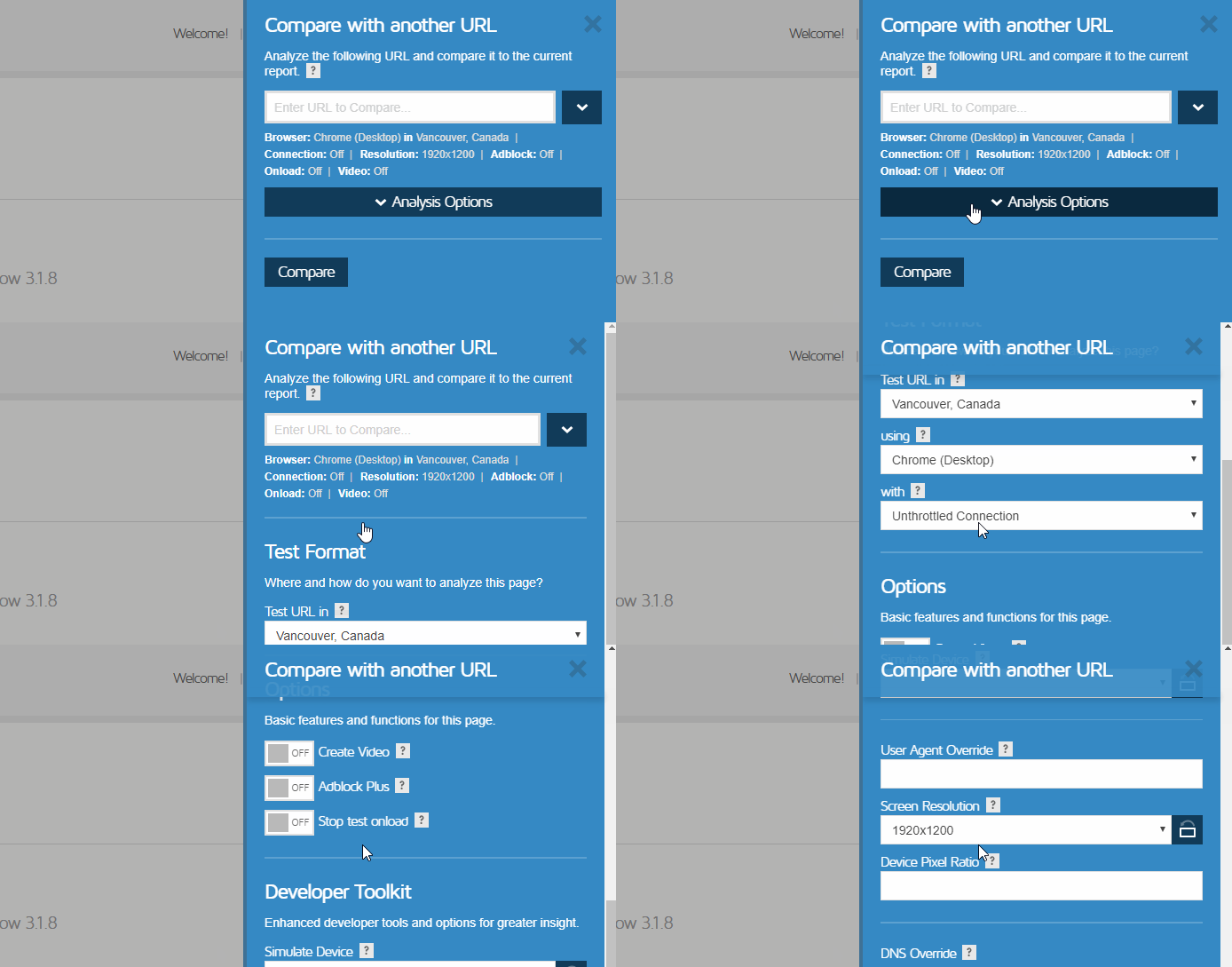
Compare URLs with our entire set of options.
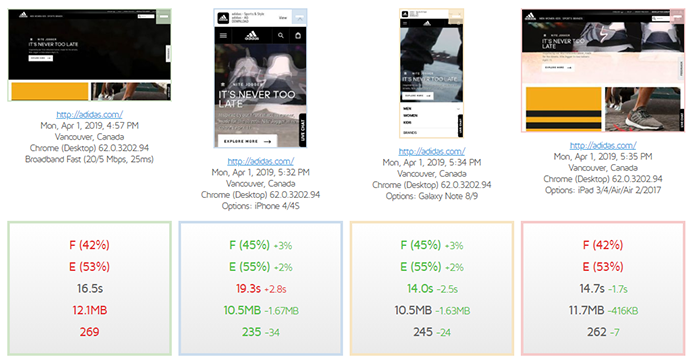
Quickly and easily compare pages with different Analysis Options.
By default, the Analysis Options will be pre-populated from the original report; so comparisons across different devices, regions and options is now greatly streamlined. Give it a try!
Fullscreen for Waterfall Charts
You can now launch a fullscreen version of our Waterfall Chart in a new tab for easier viewing.
Look for the Fullscreen button on the Waterfall tab.
This is also available when comparing two pages’ Waterfall Charts.
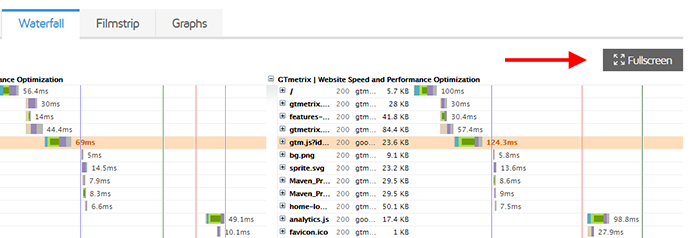
Compare two waterfalls in fullscreen.
General Updates/Fixes
- Changed Alert e-mail subject to GTmetrix Alert for http://example.com
- Fixed broken regex filter functionality (minification caused a display issue)
- Fixed HAR Viewer display issue (first request timing was showing under timing bar)
- Fixed YSlow bug where malformed HTML caused failure in report generation
- Fixed various e-mail layout issues
- Fix Fastly detection in some cases
- Enhanced “/latest” suffix functionality (you can add /latest to any report URL ending and get the latest data for the desired suffix – read more here.
Let us know if you run across any bugs or issues and feel free to tell us your thoughts on Twitter (@gtmetrix) or contact us.
Test in different countries, browsers and speeds
Get access to more test regions, browser options and coection speeds!
Sign up for a Basic GTmetrix account and see how your site performs in all scenarios – It’s FREE!
برچسب:
نویسنده: وستا